
Online booking for masters
Clients book a free time on their own, and you see the schedule on your phone. No notebook and no "when are you free?" messages.
Bookli in a minute
A short film about what changes in the working day of a master when clients book by themselves. The film is in Russian.
What goes away
The notebook and notes on the phone
Bookings, services and clients are in one place and do not get lost.
Messages about the time
A client sees the free time: no need to answer "when is there a slot" between jobs.
Double bookings
A taken time is closed: two people cannot book the same slot.
What you get
Clients book on their own
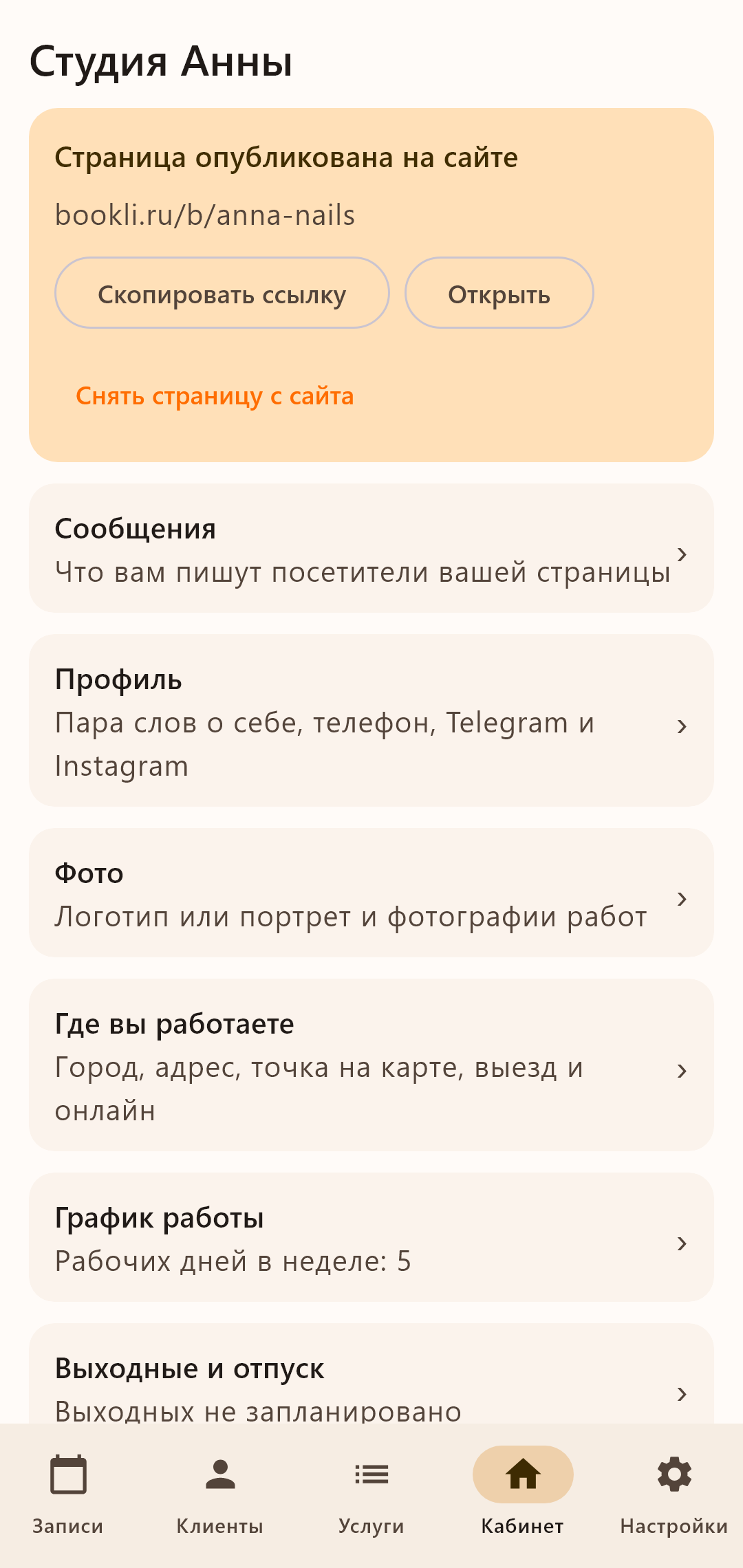
You have a page of your own with services, prices and free time. Put its link into Instagram and Telegram.
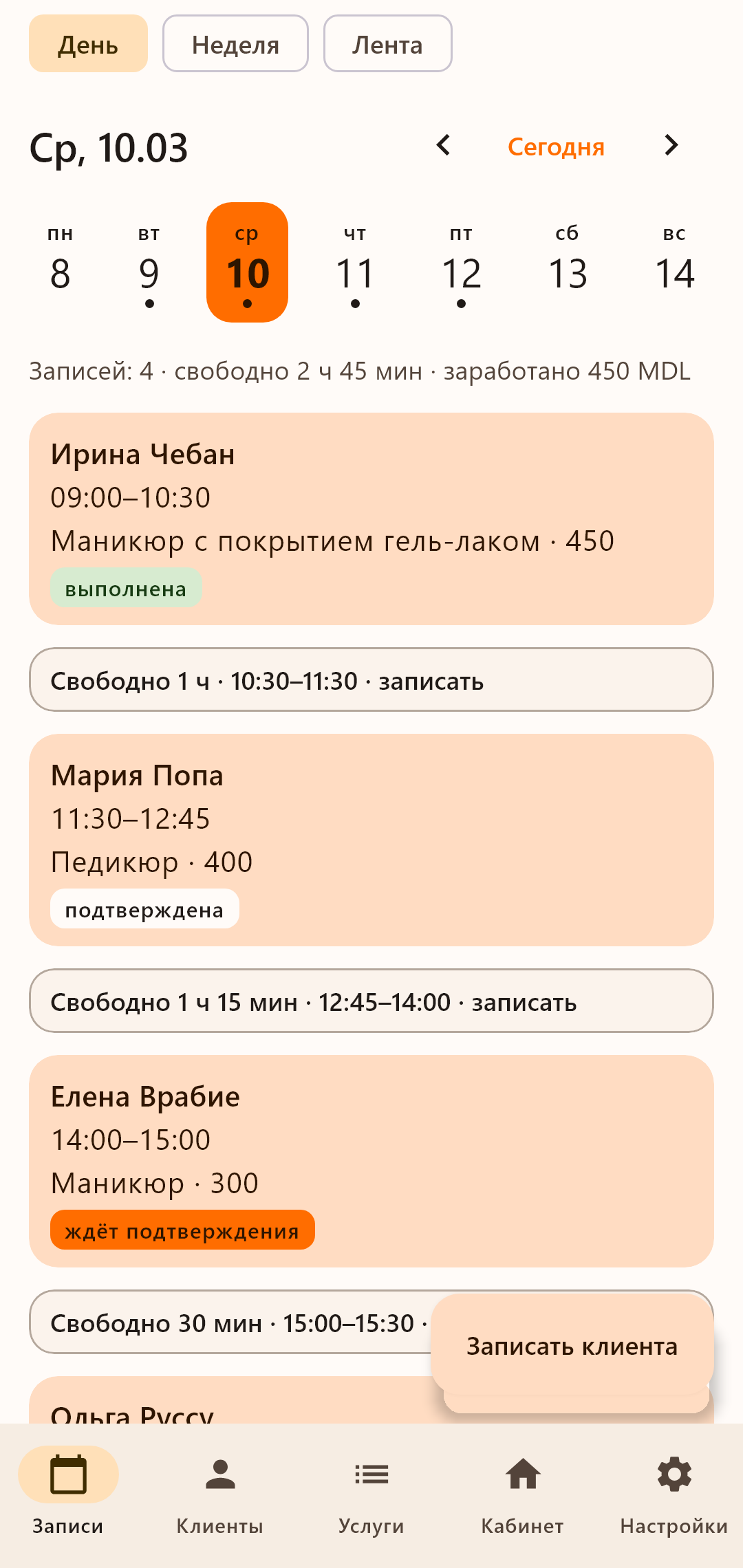
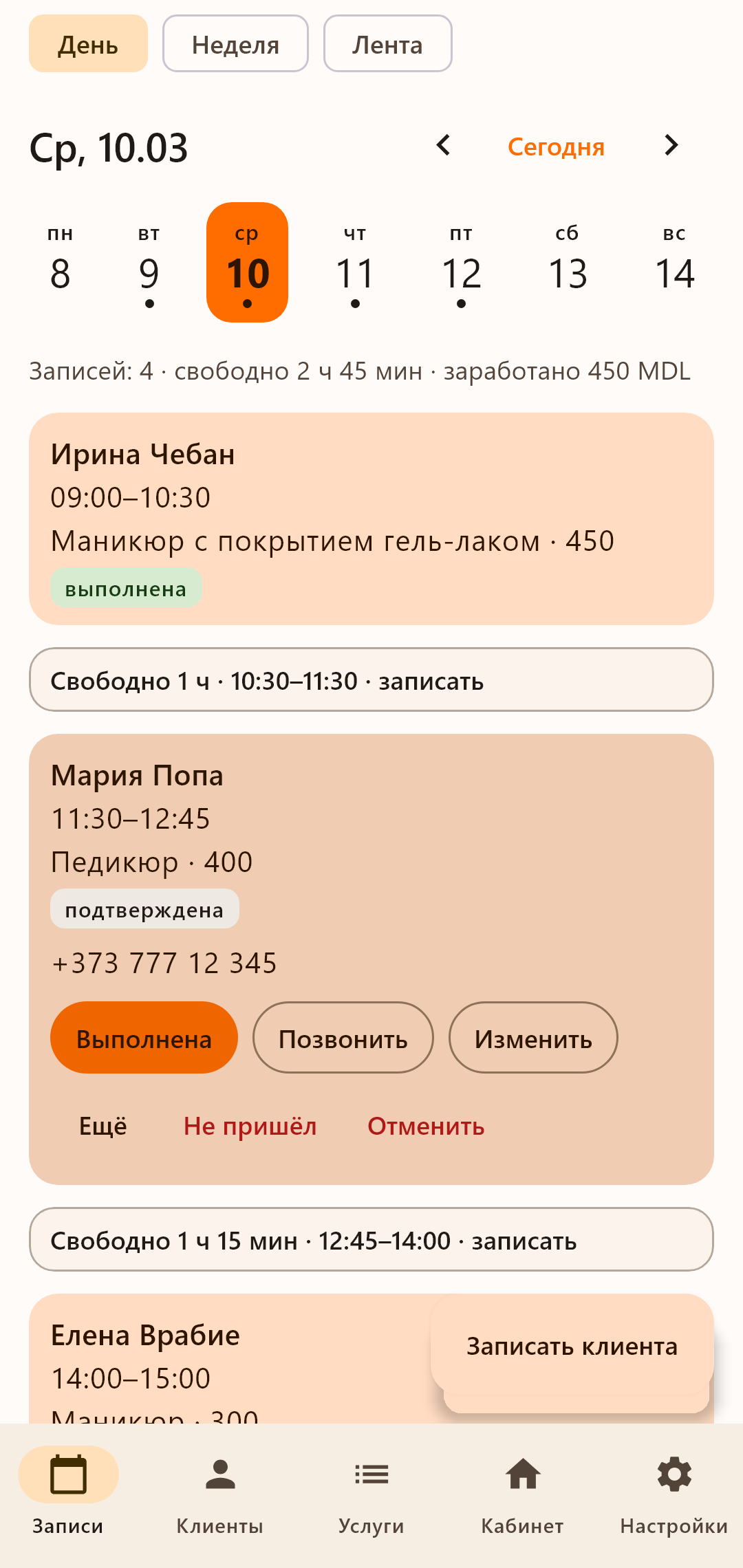
The schedule on your phone
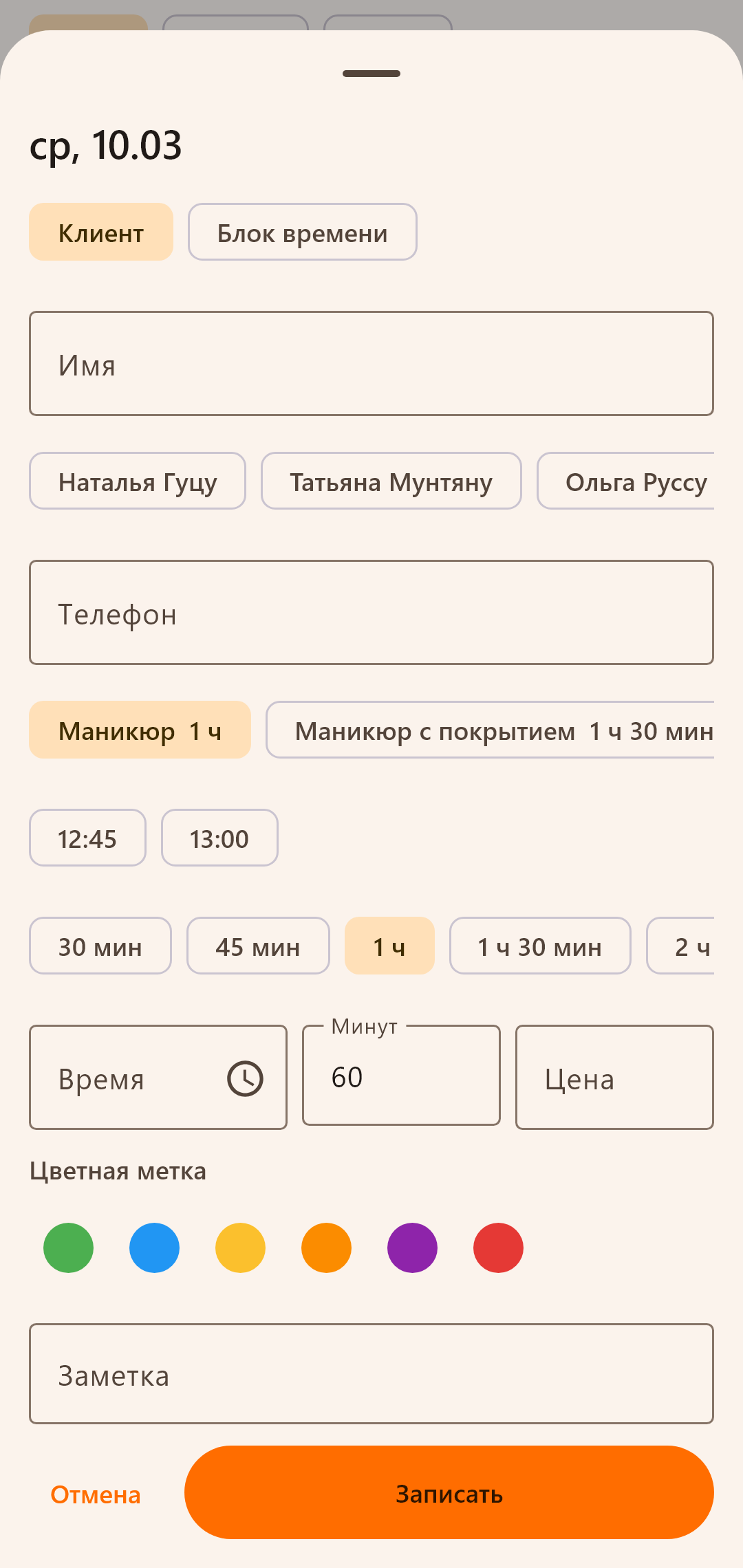
The cabinet opens in the browser of a phone: bookings of a day and of a week, a booking by a call, a break or personal time.
A confirmation and a reminder
A client gets a confirmation of the booking, and one who left an email gets a reminder before the visit.
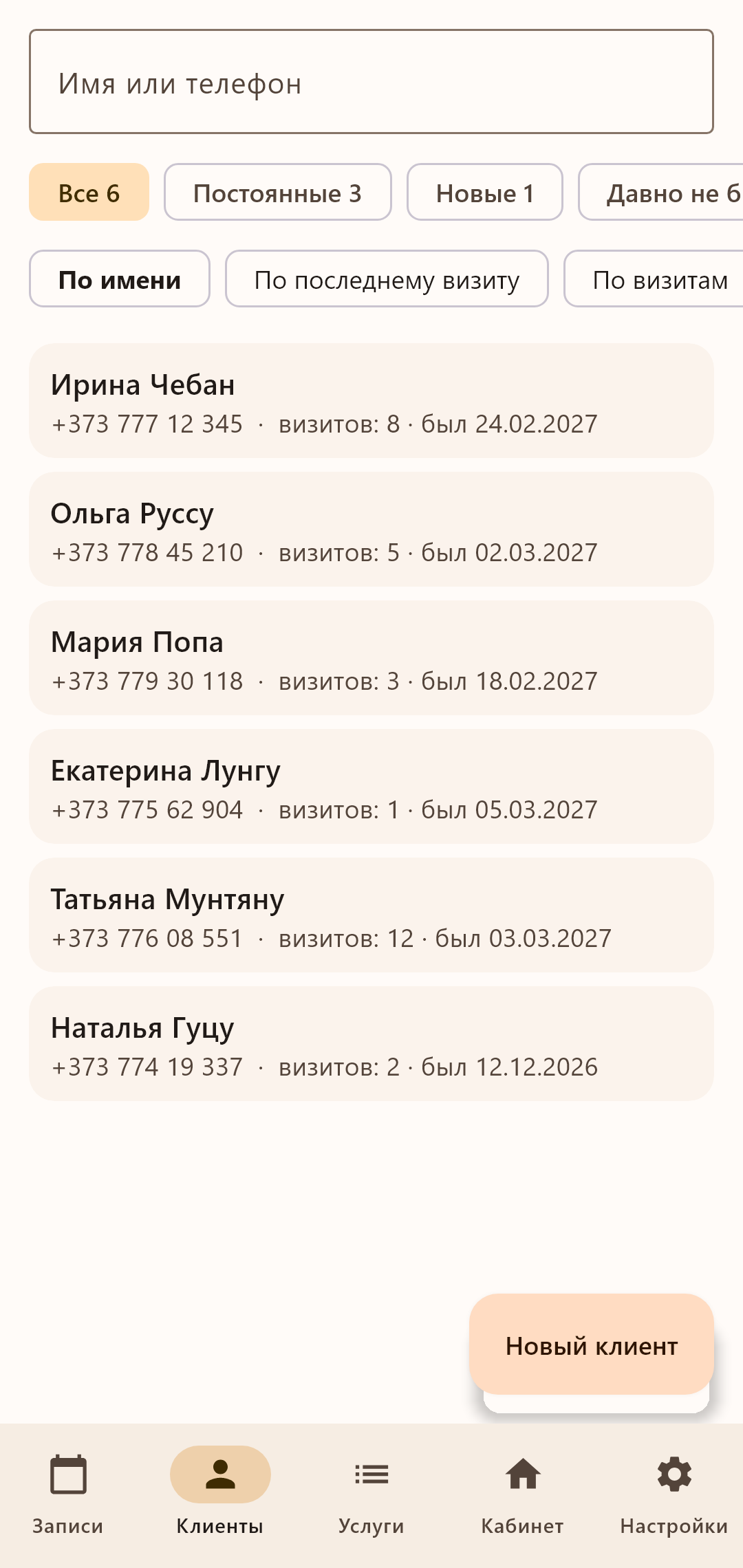
The base of clients
A card of a client with the history of bookings and your notes.
The same schedule as on the site, in your phone. Write a client down after a call, confirm a request from the site, look at the day and the week in a few taps.
Have an iPhone? The cabinet on the site works like an app: how to put it on the home screen
- Works without a connection: the entries go to the site when the internet is back
- Reminds an hour before an entry and shows the day in the morning
- Your page, its link and a QR code for clients are in the cabinet
How to start
Four short steps, and the booking page is ready.
- 1
Who you are
Pick what you do and name yourself or the salon.
- 2
Services
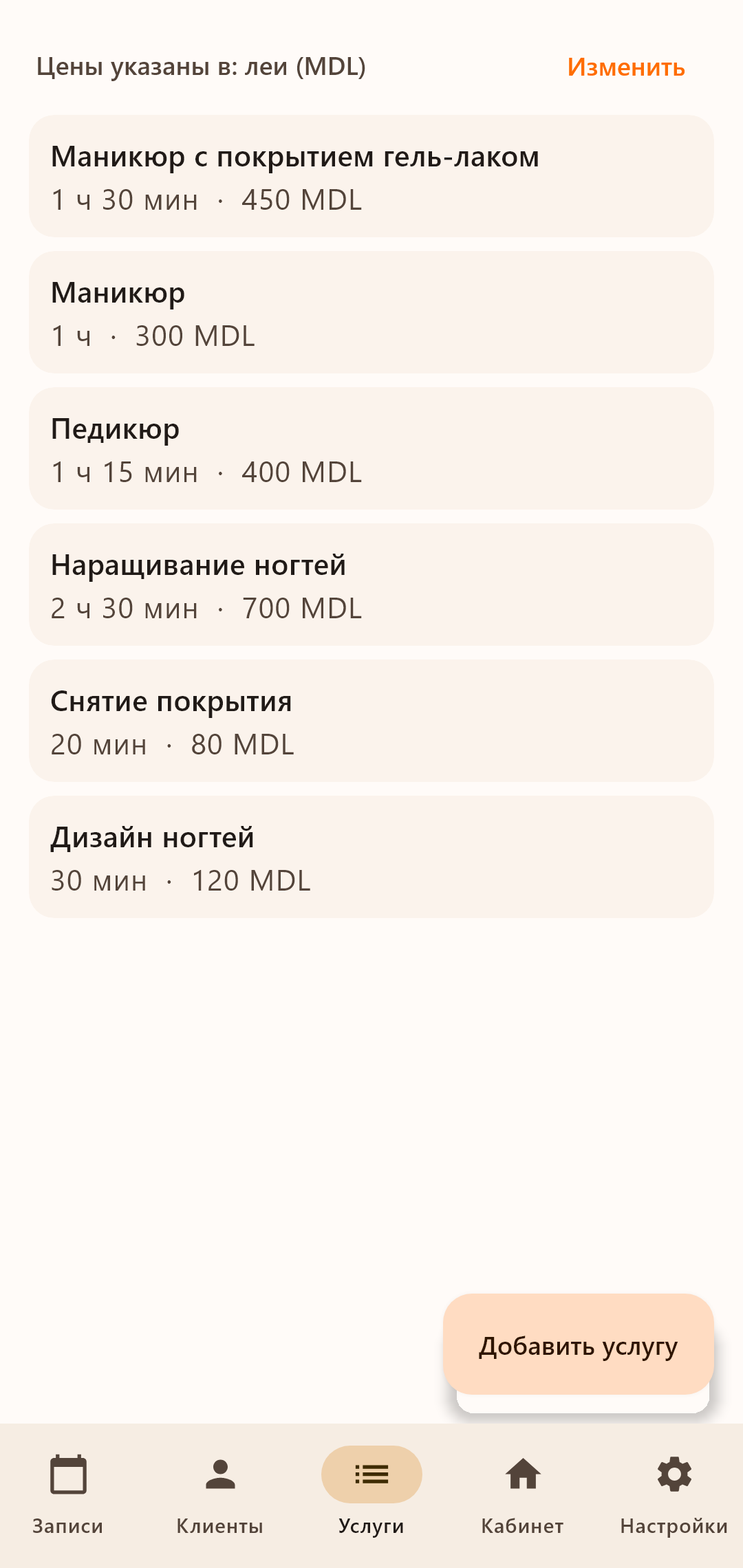
Tick the services in the list: the duration is set, the price is yours.
- 3
Where you work
At your place, visiting the client or online; the address and the point on the map.
- 4
When you work
A ready working week you can change to suit you.
The page appears on the site after the phone is confirmed.
Bookli is free to use now. Terms of use